RO THUMBNAIL / COMPOSITION EXAMPLES
Use the layout. Keep the game identity yours.
These examples describe composition structures rather than reusable artwork. Start with your own game captures, Avatar, and permitted references, then verify that the final image represents real gameplay.
Sky Arena: one brief, four thumbnail directions
This fictional obby brief was run through the same four-direction workflow available in the maker. A shared character, obstacle language, palette, and headline keep the set recognizable while each frame tests a different hierarchy. These are generated concept images, not captures from a live game.
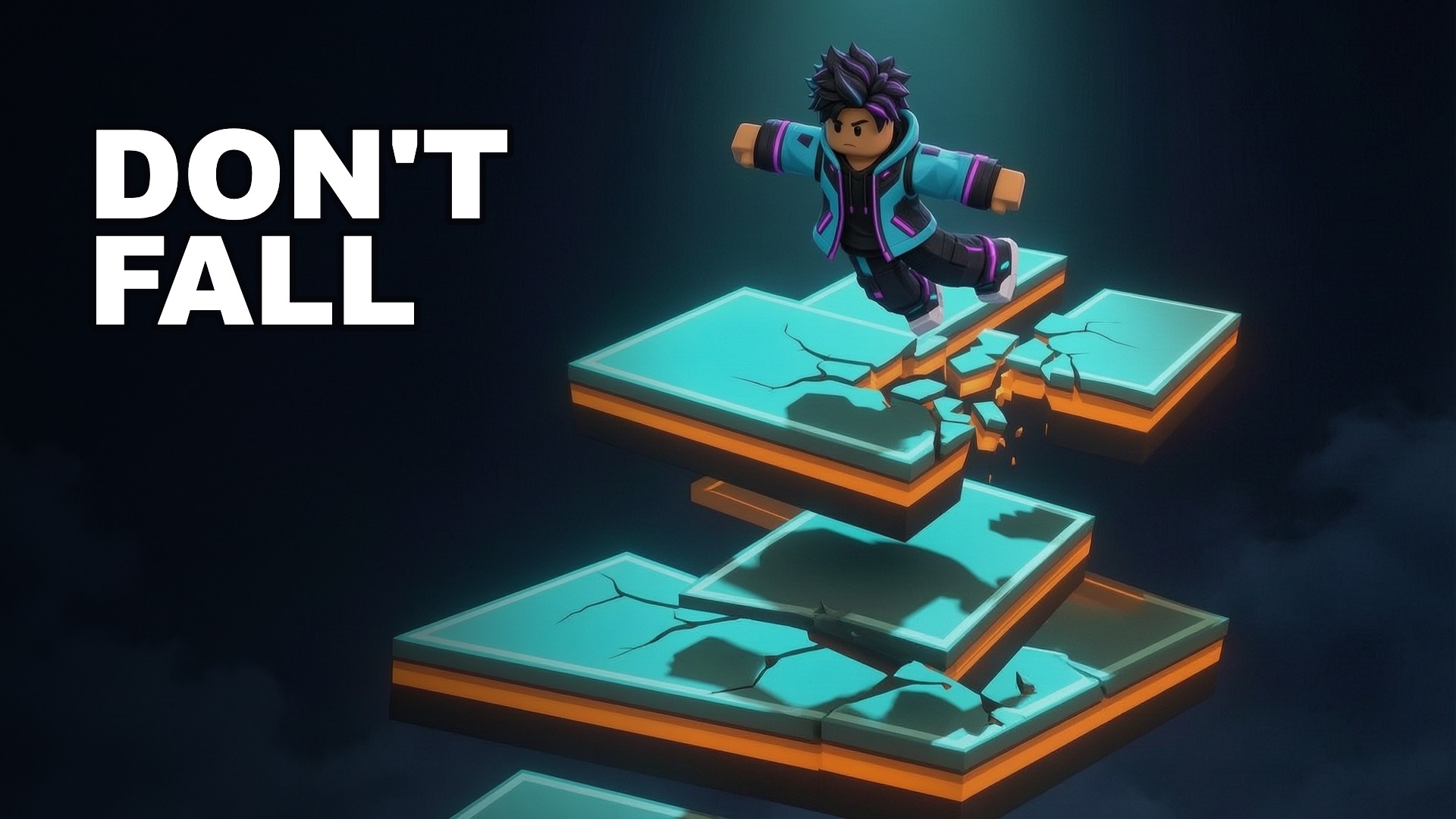
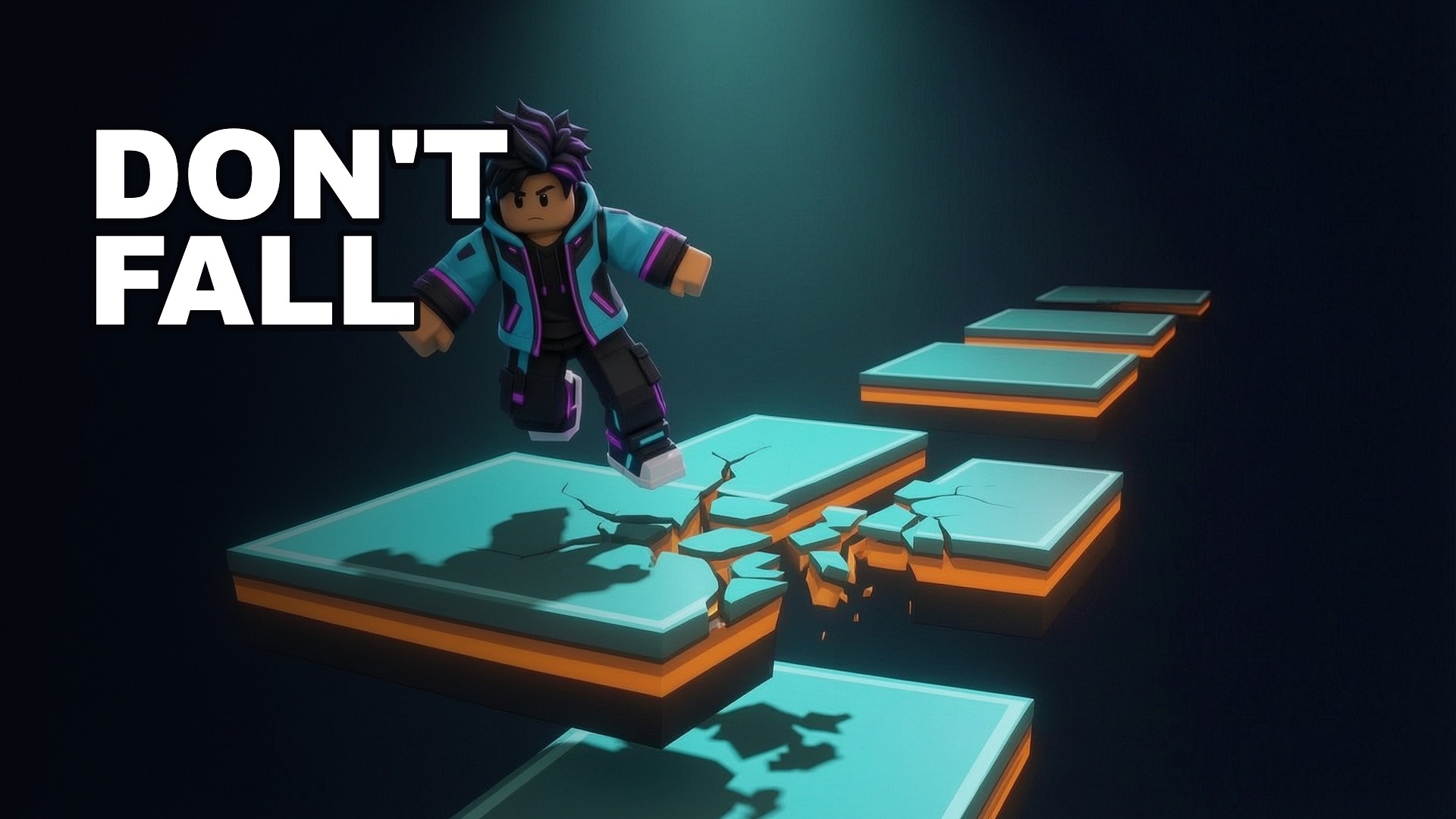
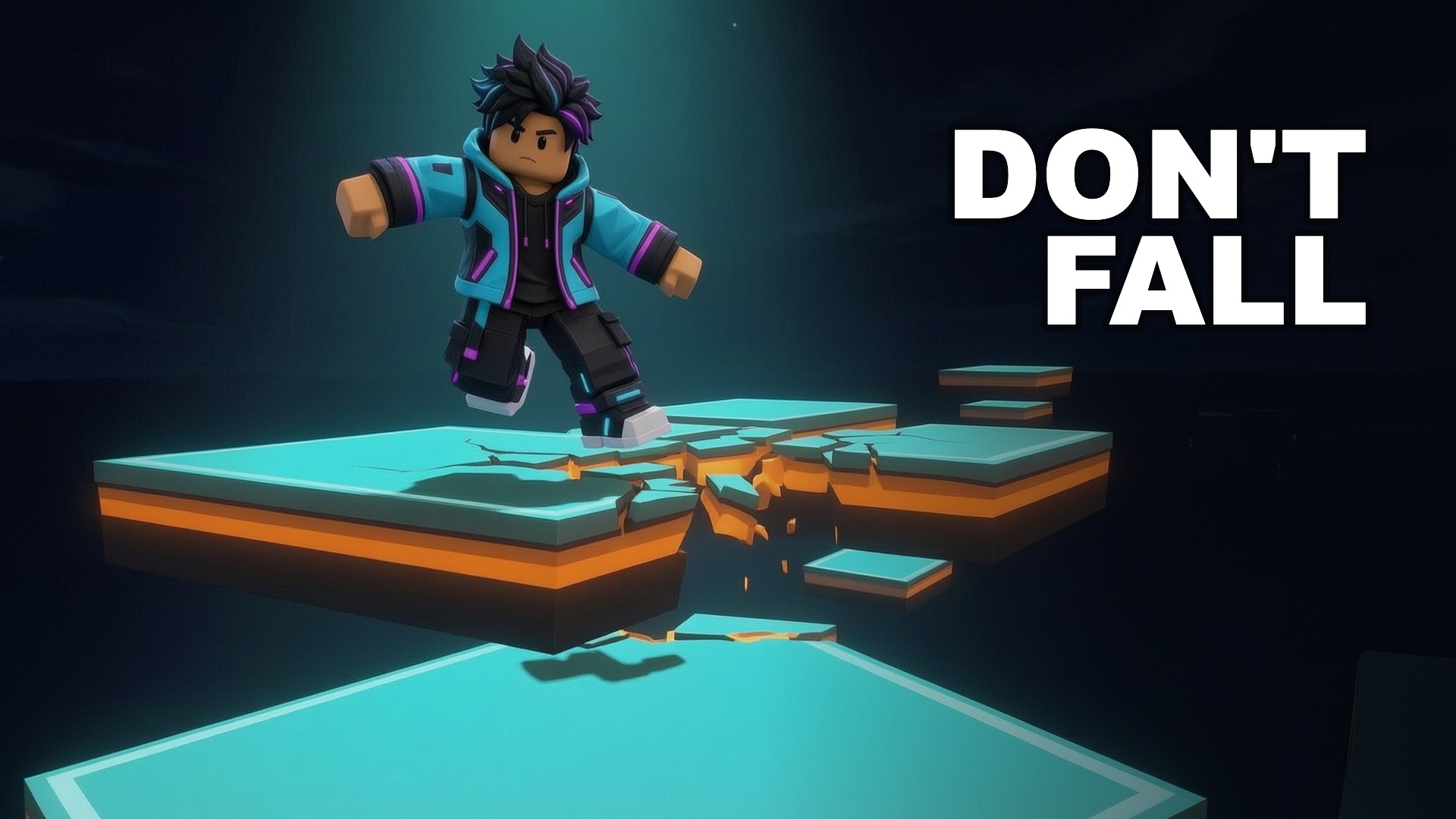
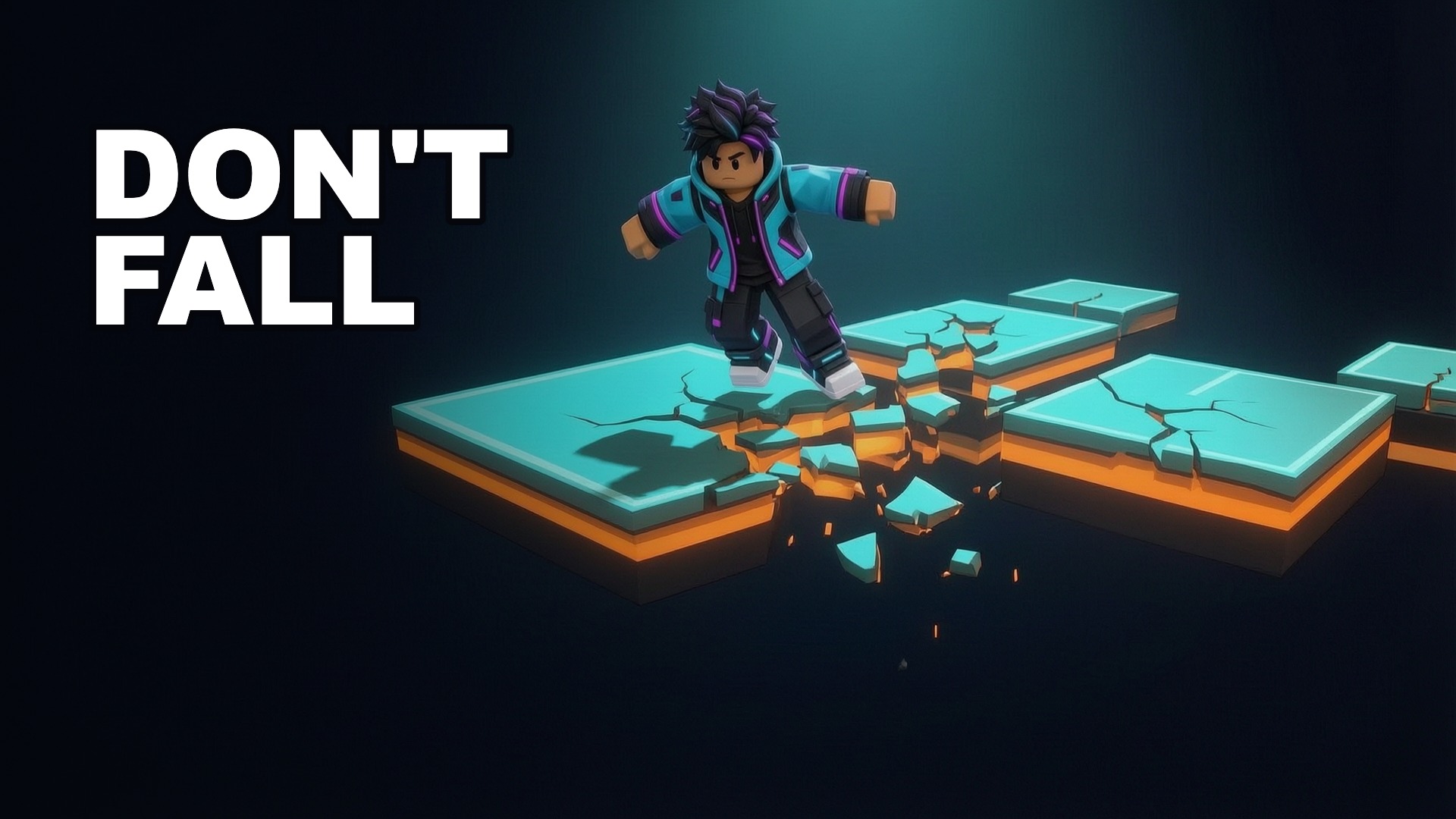
- 1. Lock the identityHold the character, headline, palette, and obstacle type steady across the set.
- 2. Vary one decisionChange the visual hierarchy rather than producing four unrelated scenes.
- 3. Review at feed sizeCompare the full set, then verify text, silhouettes, gameplay truth, and source rights.
Demo boundary: “Sky Arena QA” is a fictional product test, not a live Roblox experience. These images make no claim about click-through rate or game performance. Before publishing any generated thumbnail, confirm that it represents the actual experience and that you have rights to every source. Roblox is a trademark of Roblox Corporation; this independent tool is not affiliated with or endorsed by Roblox.
Action: subject versus threat
Place the player character on one third and the threat, opponent, or objective on the other. Use the gap between them for motion and tension. Keep the headline short enough that neither silhouette is covered.
Simulator: action and reward
Show the repeated player action in the foreground and one recognizable reward or upgrade behind it. Avoid filling the frame with unrelated currency, pets, or prizes that are not available in the experience.
Obby: readable route and consequence
Use a diagonal path, large obstacle, or clear height difference to explain the challenge. Keep the Avatar large enough to read at feed size and avoid a distant scene with no obvious route.
Horror: character and reveal
Reserve darkness for negative space, then use one controlled highlight for the character or reveal. Check the 200 px preview: if the threat disappears there, the large canvas is hiding a readability problem.
Roleplay: place and relationship
Lead with the location or social interaction that makes the experience specific. A recognizable environment and two clear expressions usually communicate more than a crowded cast.
Collection: hero item and progression
Give one real collectible, unit, or unlock the dominant position. Secondary items can imply breadth, but the hero item should carry the promise and remain visible after reduction.
How references are used
The live maker may display attributed public Roblox thumbnails as research context. They remain linked to their source and are not bundled as stock art. Selecting a structure copies spatial rules, not another creator’s characters, logo, text, or artwork.
Apply a structure in the maker → · Complete maker guide · Size checklist · Pose composition